Agents, fees, and open houses
Three parts of a listing get their own sections on the listing form: the agents representing it, its fees, and its open houses. All three save together with the listing's Save button.
The agent directory
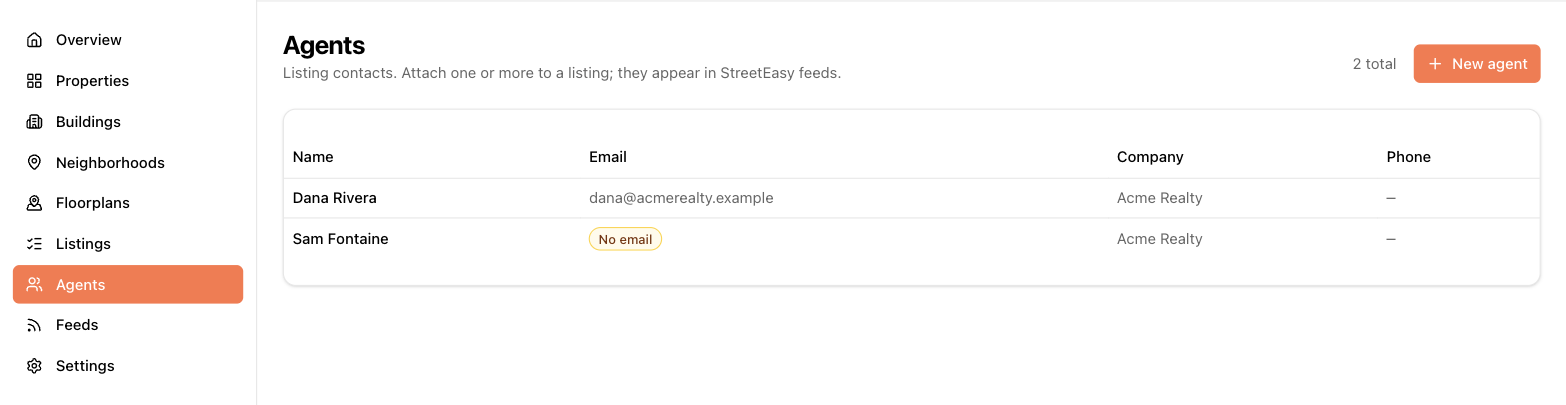
The Agents page in the sidebar is your account-wide directory. Each agent has a name (required), email, company, phone numbers (main, office, cell, fax — formatted automatically), a lead email, and profile/photo links.
An agent without an email shows a "No email" badge — StreetEasy requires an agent email, so listings represented only by that agent are excluded from StreetEasy feeds until an email is added.
Attaching agents to a listing
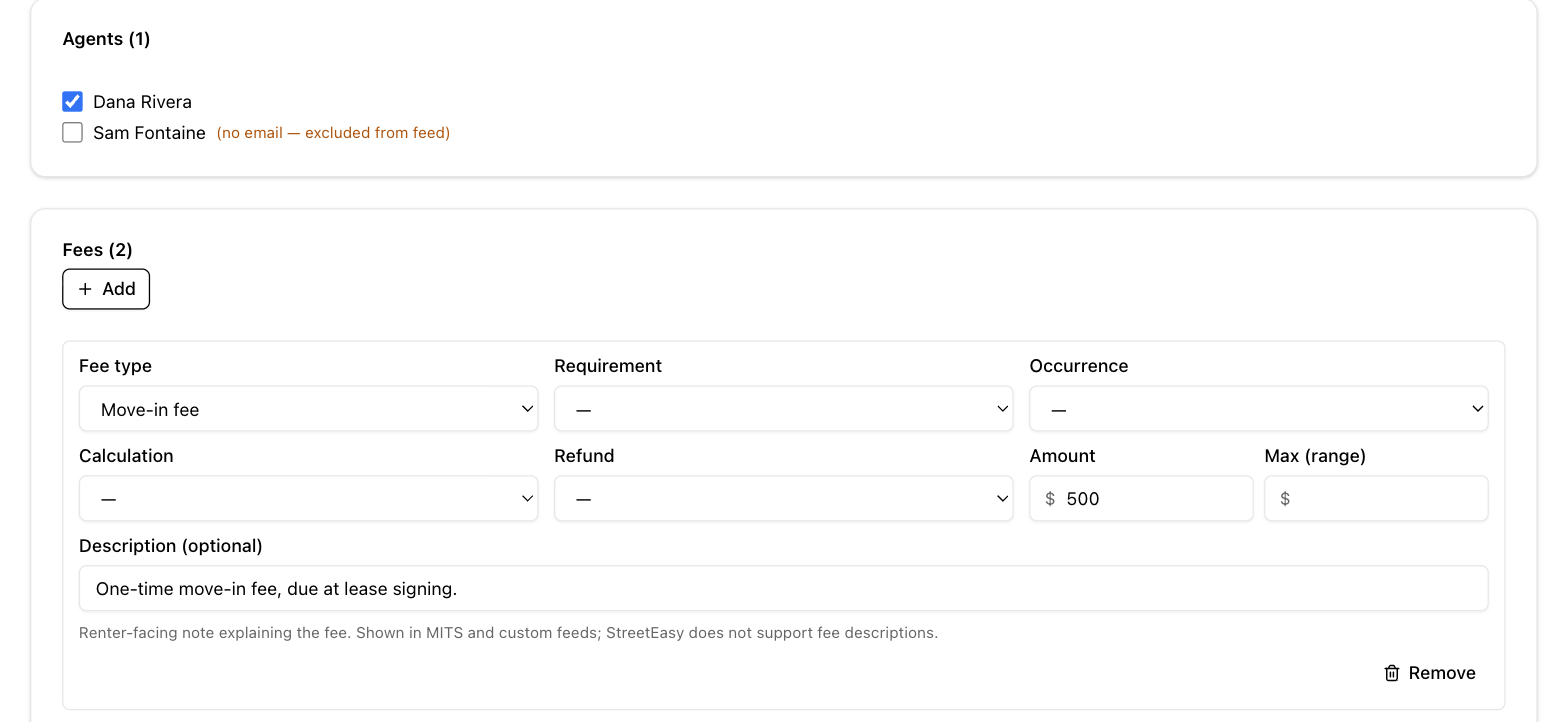
On the listing form, the Agents section shows your directory as checkboxes — tick everyone representing the unit. The same agent can be on any number of listings.
Fees
The Fees section lists what a renter or buyer pays beyond the rent or price. Click to add a fee row and fill in:
- Fee type — from a standard list (application fee, broker fee, pet deposit, and so on), or "Other" with your own name.
- Requirement (mandatory or optional), occurrence (one-time, monthly…), and calculation (flat amount, percentage…).
- Amount — a single value or a range, plus refundability and a description.
You can't add the same fee type twice to one listing — edit the existing row instead. Fees ship with your feeds, so keeping them accurate matters for compliance.
Special offers (a month free, reduced deposit, and so on) aren't fees — enter them in the listing's Specials field instead; see Listings.
Open houses
The Open houses section schedules showings: start and end time, an optional URL and notes, and two flags — Virtual (online showing) and By appointment only. Upcoming open houses also appear on your dashboard, and they're published to feeds that support them.