Floorplans
This page applies to accounts that manage floorplans separately (a Floorplans section appears in your sidebar). If yours doesn't, floorplan details live on each listing instead — see How floorplans work.
A floorplan is a reusable unit layout. Enter the details once — "1 bed, 1.5 bath, 3 rooms" — and link any number of listings to it. Edit the plan and every linked listing stays in sync.
The floorplans list
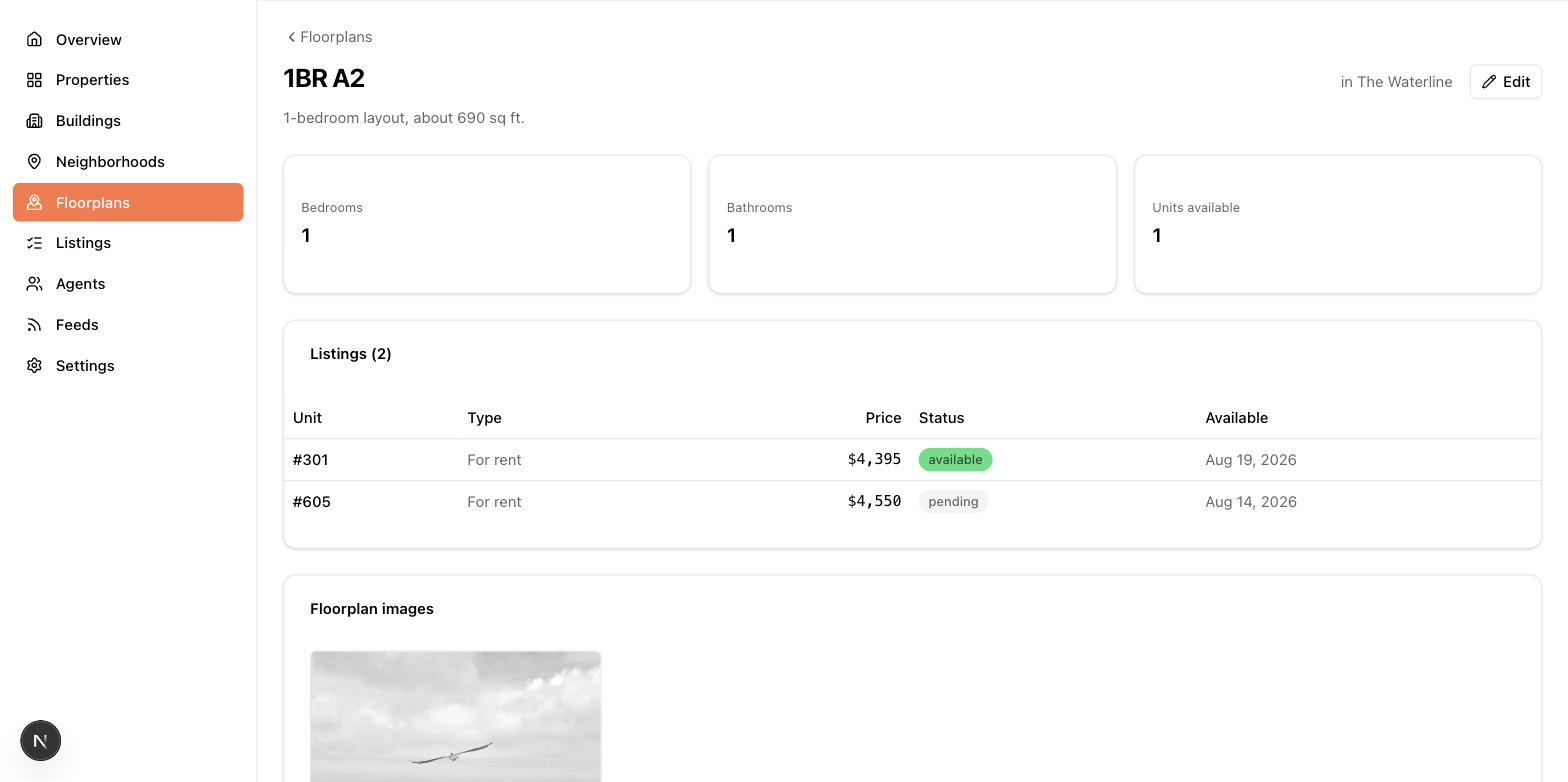
The Floorplans page shows every plan with its building, beds, and baths. If you have more than one building, a filter narrows the list to one building. Click a plan to see its details and every listing that uses it.
Creating and editing a floorplan
Click + New floorplan. Fields:
- Building — chosen at creation and fixed afterwards; a floorplan belongs to one building.
- Name (required) — e.g. "B2" or "1BR Corner".
- Bedrooms — Studio through 5.
- Bathrooms (half steps) and Half baths.
- Total rooms.
- Total units — how many physical units in the building use this layout, including units you haven't entered in the app. Syndication feeds publish this as the plan's unit count.
- Description — rich text.
Your admin may have hidden, reordered, or renamed some of these fields for your account, so your form can look a little different.
Floorplan images
On a floorplan's edit page you'll find two image galleries:
- Floorplan images — the layout diagrams shown with the plan. PDFs are accepted here.
- Floorplan Images for ILS — appears only if your account publishes a MITS feed. ILS syndication requires JPG or PNG (no PDFs), so this gallery holds feed-safe versions. If it's empty, the feed falls back to the regular floorplan images when they're compatible.
Upload, reorder by dragging, and caption images just like listing photos — see Photos and media.
Linking listings
You link from the listing side: the listing form has a Floorplan dropdown listing the plans in its building. The floorplan's detail page shows every linked listing, and a feed warning about missing beds/baths on a listing will point you to the floorplan where the fix belongs.