Feeds
A feed is a live, always-current URL that publishes your listings to the outside world. You configure what's in it; the listing site or partner pulls from the URL on their schedule. Nothing is "sent" — keeping your listings accurate in the app is publishing.
Feed types
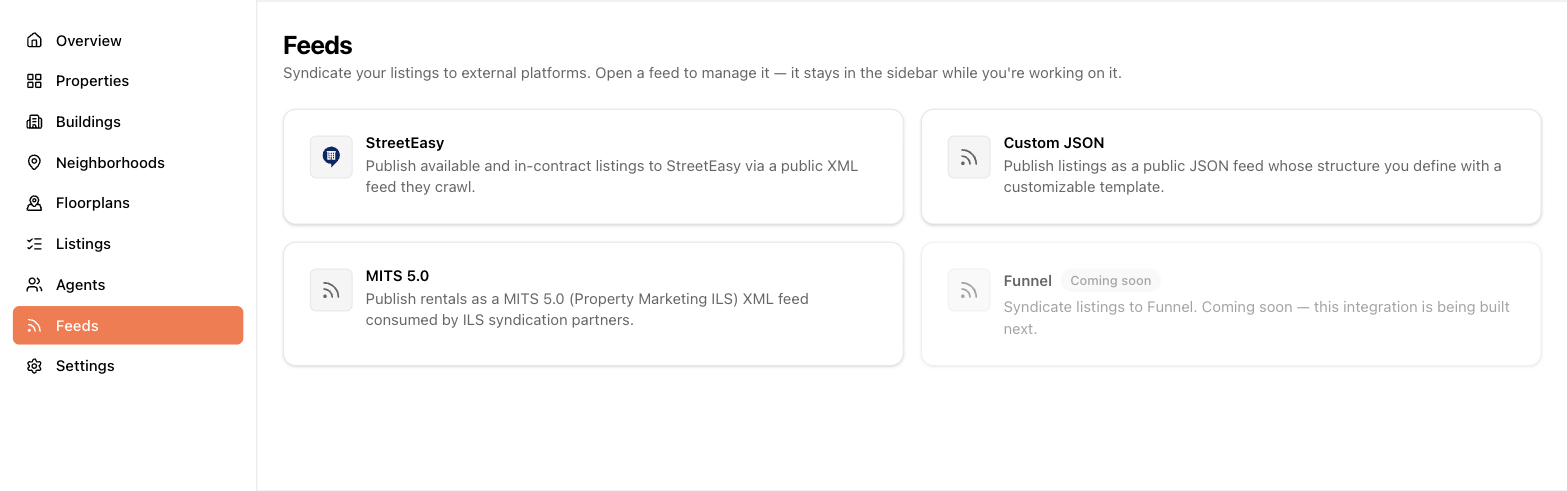
From the Feeds page, choose a provider:
- StreetEasy — XML in StreetEasy's format, for syndicating NYC rental listings.
- MITS 5.0 — the industry-standard ILS format many apartment listing services consume.
- Custom JSON — a fully templated JSON feed for your own website or any other consumer.
You can run several feeds at once, including several of the same type (say, one StreetEasy feed per portfolio).
Creating a feed
Click + New feed under the provider you want:
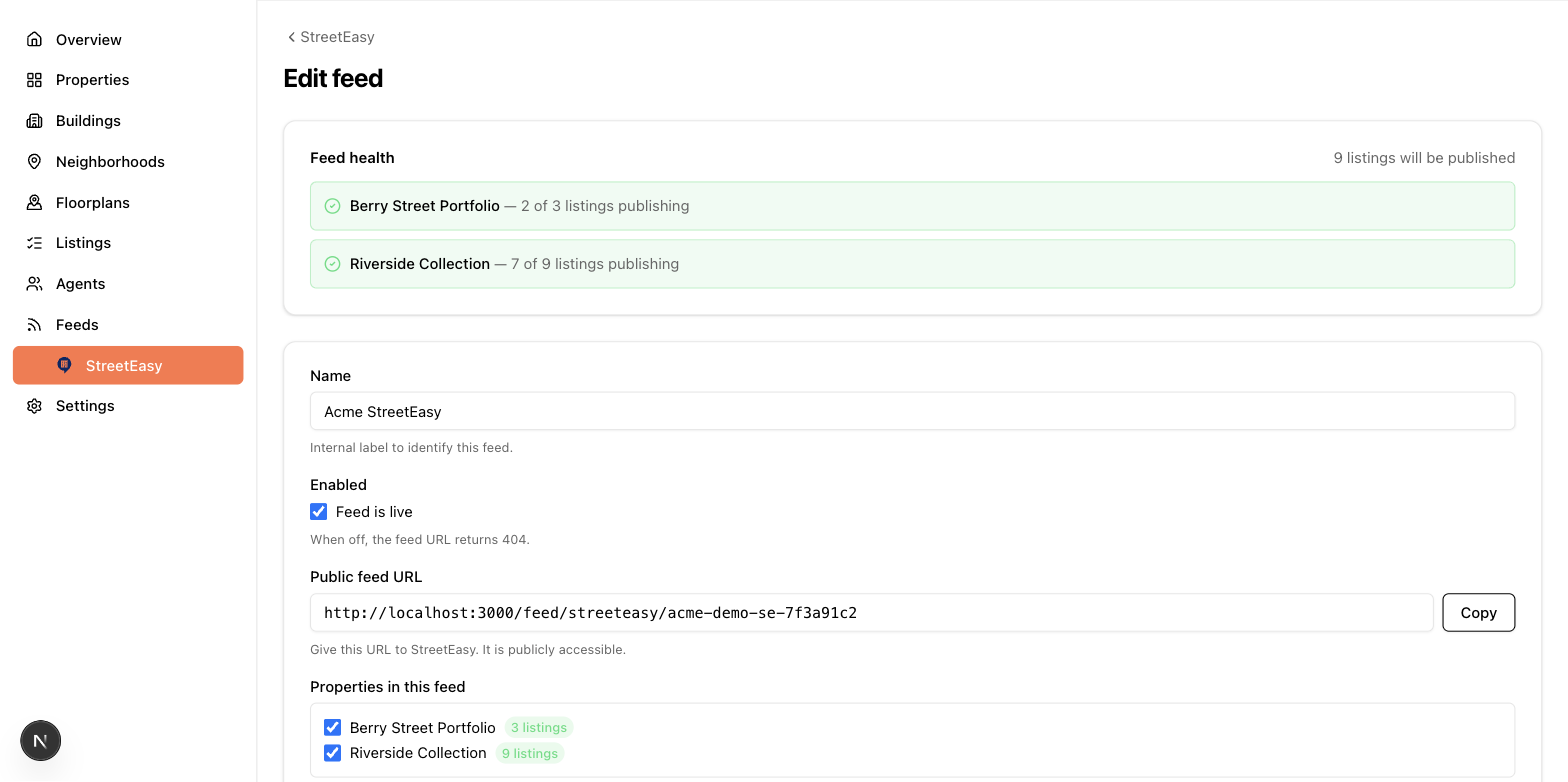
- Name it — internal only, e.g. "Downtown portfolio".
- Pick properties — check the properties whose listings should ship. Each option shows how many listings it currently contributes.
- Enabled — leave checked to make the feed live. Unchecking takes the URL offline (it returns "not found" to anyone polling it) without deleting your setup.
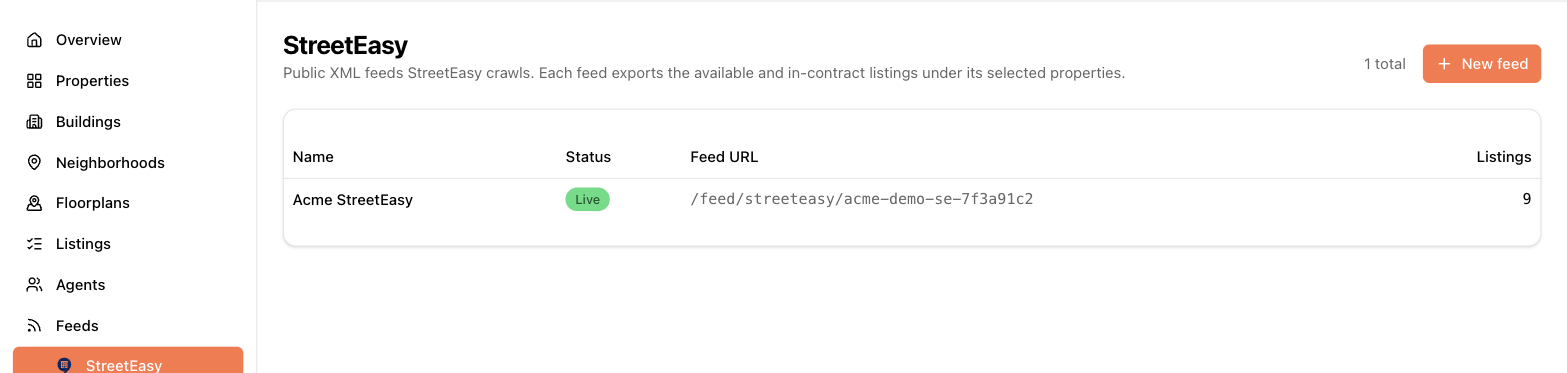
- Save, then copy the feed URL from the edit page (it has a copy button) or the feed list. That URL is what you give StreetEasy, the ILS, or your web developer.
The feed URL is public — anyone who has it can read the listings in it — so share it only with the partner it's for.
What ships
- Listings with status Available or Pending. Rented, sold, and off-market listings are treated as off-market by StreetEasy and MITS feeds. (Custom JSON feeds include all statuses so your own site can decide.)
- Private listings never ship anywhere.
- Listings missing required fields for the format are skipped — see the diagnostics below.
- Specials ship in MITS feeds — building-wide ones entered on a building (see Properties and buildings) on that building, and unit-specific ones entered on a listing (see Listings) on that unit. The special's name and description are published as separate fields, so listing sites can show the name as a heading. A special ships only while it's marked Active and today is within its start/end dates.
Health badges and diagnostics
The feed list warns you when something's off:
- "No property selected" — the feed is live but ships nothing.
- "Empty — nothing ships" / "N properties ship nothing" — selected properties have no feed-ready listings.
- "N listings excluded" — listings are being skipped for missing fields; the feed's edit page has a diagnostics panel listing exactly which listings and which fields.
- MITS feeds also flag buildings missing photos and floorplans missing imagery.
On the listing side, the same requirements appear as a live warning on the listing form and as badges in the listings table, so most problems are visible before you ever look at the feed page.
Custom JSON feeds
The custom feed editor gives you templates for the overall wrapper, each listing, each photo, and each floorplan. Insert data tokens (price, unit number, building address…) from the reference panel — tokens are highlighted to show whether your data actually has values for them — and a live preview shows the JSON output as you edit. Conditions let you include or exclude parts of the template based on the listing's data (for example, only render a "netEffectiveRent" block when the value exists). This is a power feature — if you just need listings on your website, share the feed URL and this format reference with your developer.