Your dashboard
The Overview page is your home base: a snapshot of your inventory and the problems worth fixing today.
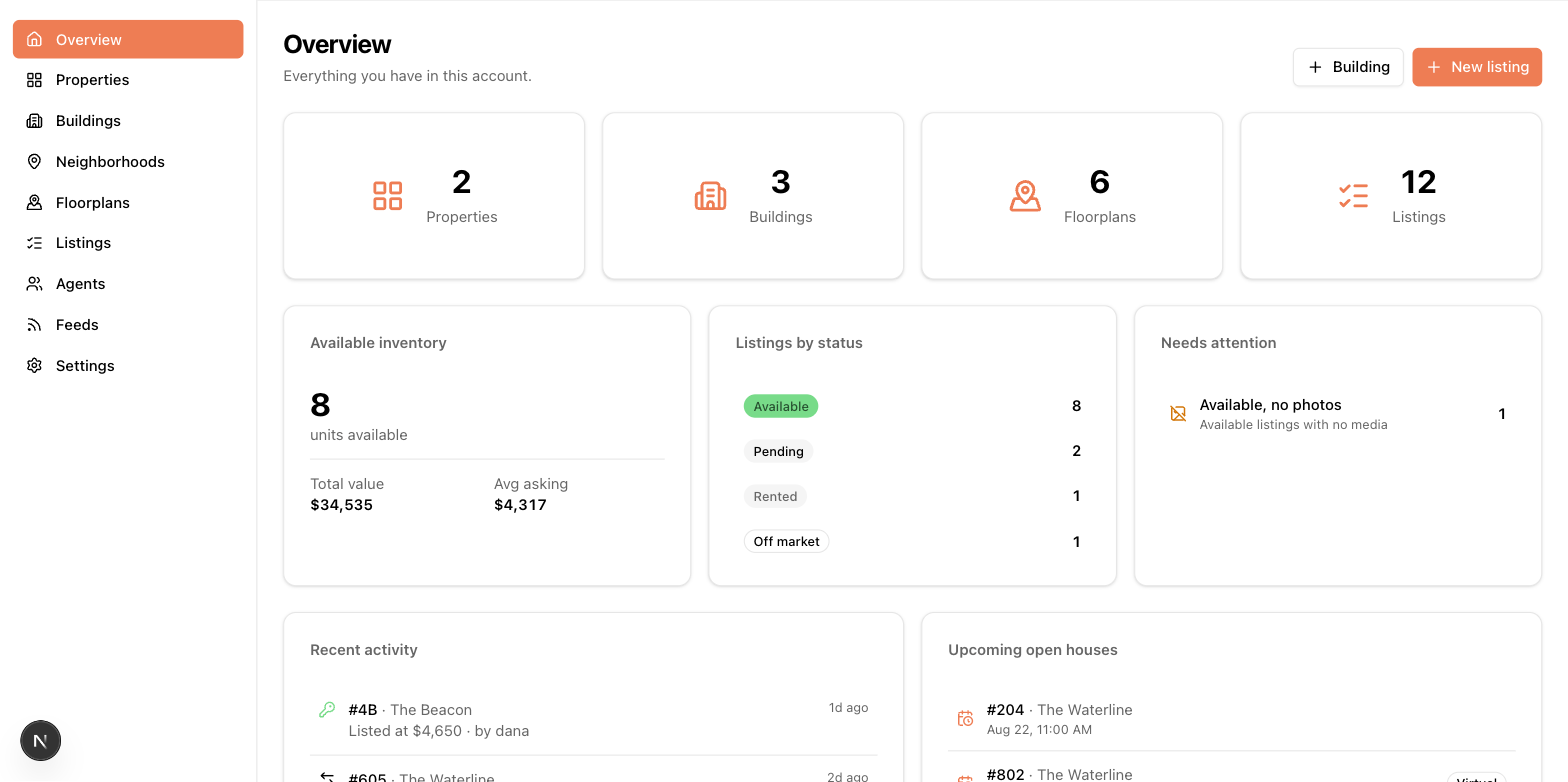
Stat cards
Across the top: counts of properties, buildings, floorplans, and listings (cards appear only where they apply to your account's setup). Each card is a link to the matching list page. The Available inventory card summarizes units currently available, their total value, and the average asking price, and Listings by status breaks your inventory down — click any status to see those listings.
Needs attention
This card only shows items that are actually wrong, so an empty card is good news. Each line links to a pre-filtered list of the affected records:
| Item | What it means | The fix |
|---|---|---|
| Orphaned listings | The listing's building was deleted | Move the listing to another building |
| Available with no price | Feeds can't publish a price-less listing | Add the price (double-click it right in the table) |
| Available with no photos | Most feeds require at least one photo | Upload photos |
| Stale inventory | Available for 60+ days without changes | Review the price or status |
| Live feeds with no properties | A feed is enabled but nothing is selected to ship | Edit the feed's property list |
| Listings not feed-ready | Required feed fields are missing | Open the listing and follow the warning links |
| Fed buildings missing photos | A building in a feed has no photo | Add building photos |
Recent activity
A feed of what's changed lately — new listings, price raises and drops (with arrows), status changes, delistings and relistings — with who did it and when. Handy for catching up after time away.
Upcoming open houses
Your next scheduled open houses, with a badge for virtual ones. Schedule them on the listing form — see Agents, fees, and open houses.